Secure Assessment Desktop App
The Secure Assessment desktop app is a locked-down app for Windows, macOS and Linux that candidates use to take proctored assessments. When you require it for an assessment, the test can only be started from the app, which opens the assessment in a full-screen kiosk window and reports suspicious activity back to your proctoring report.
Overview
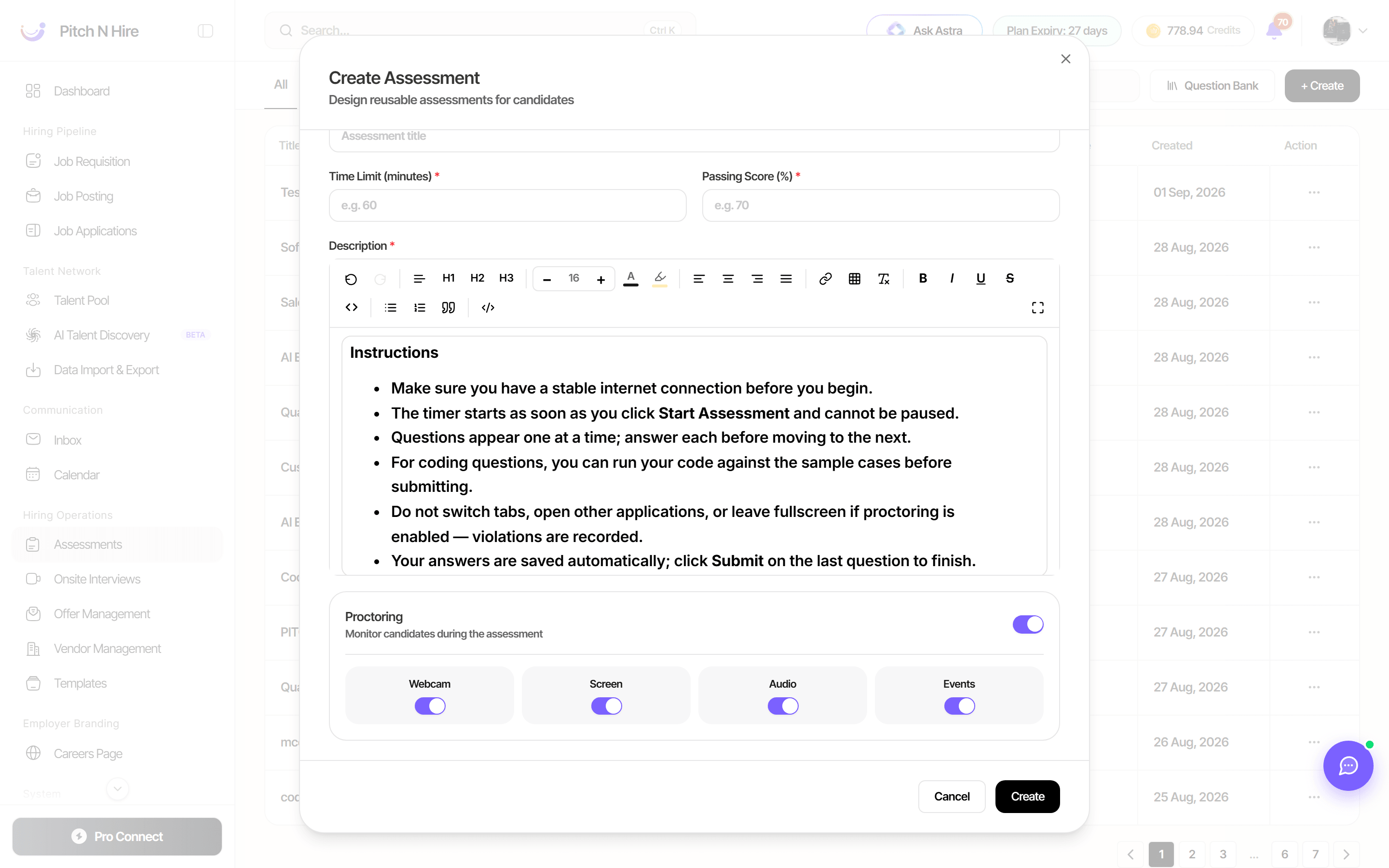
The Require secure desktop app switch (described as “Candidates must take this assessment in the Pitch n Hire Secure Assessment app”) appears in the proctoring settings of an assessment template. When it is on, a candidate who opens the assessment link in a normal browser is shown an Open in secure app button instead (with a link to install the app if it isn’t installed yet). The switch is shown only when the feature is enabled for your workspace.
Key features
- Per-assessment requirement — turn it on only for the assessments that need it.
- Kiosk lockdown — the assessment runs in a full-screen locked-down window; leaving it is blocked or reported.
- Opens from the invite — the assessment link opens the app through a
pitchnhire://link, and the app confirms it is the genuine app before the test starts. - Violation reporting — the app sends a regular heartbeat and records events such as leaving the window or running in a virtual machine. Long heartbeat gaps are flagged in the proctoring report.
- Auto-update — the app can update itself when a new version is released.
Step-by-step
- Open Assessments, then create or edit an assessment template.
- In the proctoring settings, switch on Require secure desktop app and save.
- Assign the assessment to candidates as usual.
- The candidate installs the Secure Assessment app on a Windows, macOS or Linux computer and opens the assessment link; the app launches and starts the test.
- Review the results and the proctoring report in the assessment submissions as usual.
Tips
Common issues & fixes
- I don’t see the Require secure desktop app switch — the feature isn’t enabled for your workspace. Contact support.
- The candidate sees Open in secure app — the assessment requires the app. They click it, or install the app and click Open in secure app again.
- Some shortcuts can’t be blocked — depending on platform and app version, some system shortcuts can’t be blocked; the app reports them instead, and gaps in the heartbeat are flagged in the proctoring report.